
How do I sign in or create a WhiteBridge account?
Continue with email, Google, or Microsoft.
The sign-in page currently offers three options: Continue with email, Continue with Google, and Continue with Microsoft. You also create a new account from the same page.
Choose your sign-in method
- Open the WhiteBridge sign-in page.
- Enter your email and select Continue with email, or choose Continue with Google or Continue with Microsoft.
- Follow the prompts. If you do not have an account yet, you will be asked to create one.
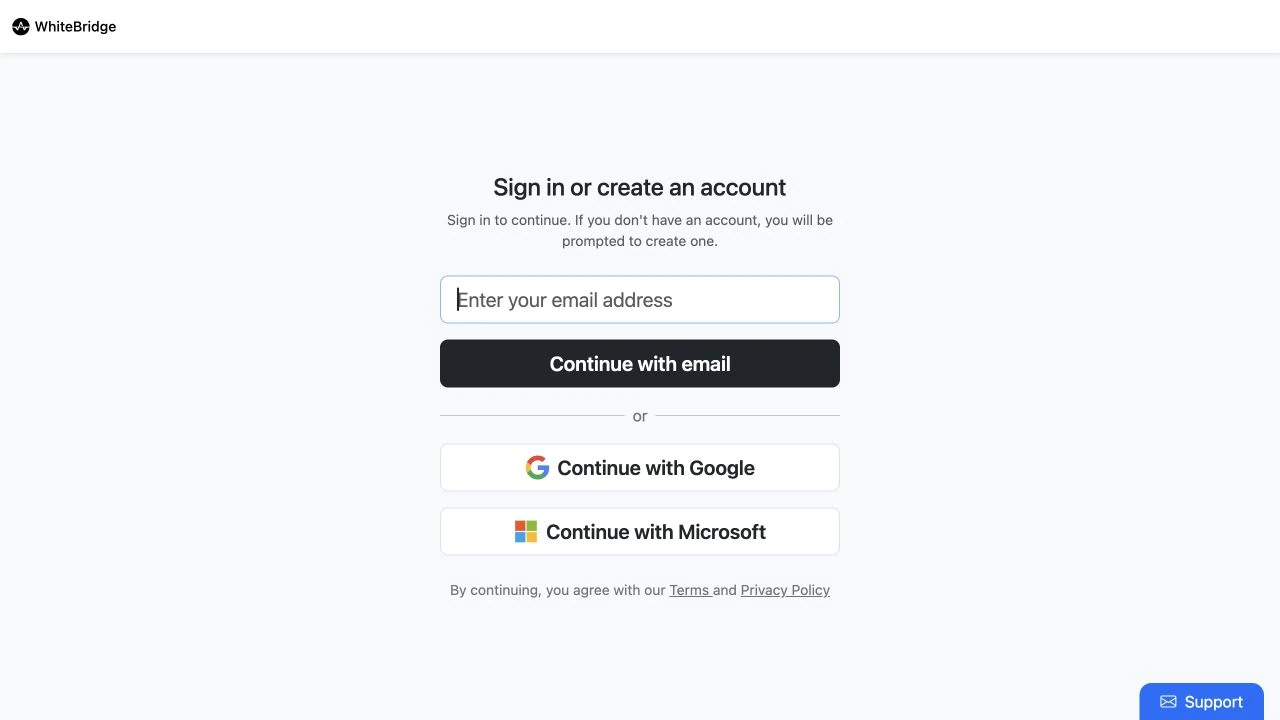
If you have bought reports before, sign in with the same email and method you used then. If your reports seem to be missing, check that you have not signed in to a different account.
Open sign-in pageReferences: WhiteBridge sign-in screen
Reviewed 24 September 2026